Everyday money

.png)
Home loans




How can we help?


Join ubank in minutes and get our Spend account – it’s an award-winning transaction account with no monthly or overseas fees.

1
Download the ubank app
2
Sign up in 2 mins.
3
Start using your new ubank accounts instantly


Inc.Google Pay, Android, the Google Pay Logo, Google Play and the Google Play logo are trademarks of Google LLC.
Apple, iPhone, Apple Pay and the Apple logo are trademarks of Apple Inc., registered in the U.S and other countries. App Store is a service mark of Apple
No monthly fees on any of your Spend accounts

We don’t charge you for overseas or online payments
.svg)
With Apple Pay or Google Pay™, before you receive your Visa card.

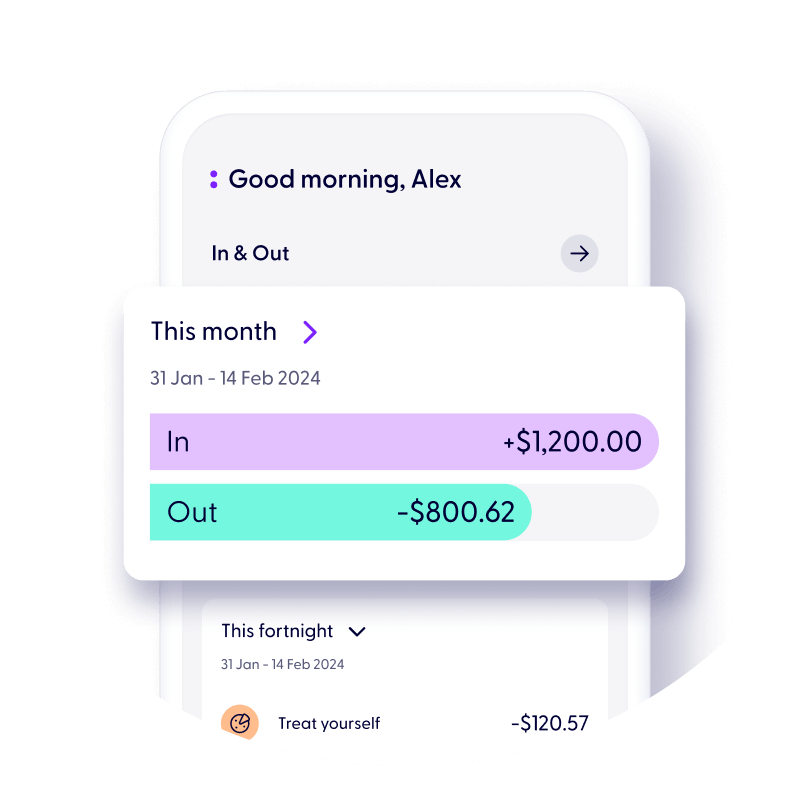
Keep on budget with insights on your spending and bills
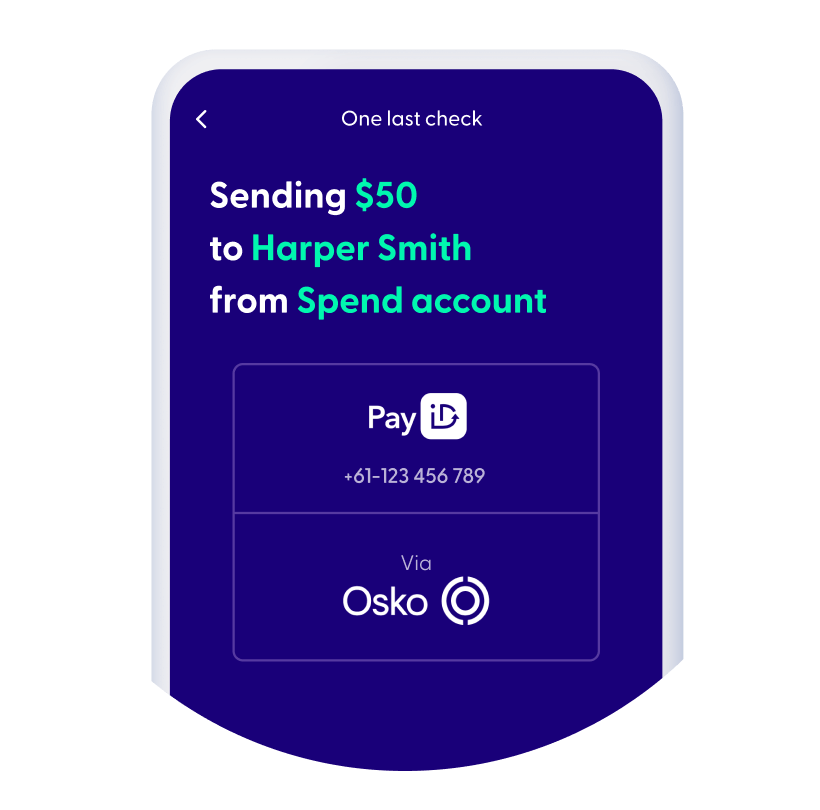
Sign up and start spending with instant payment methods.

Get instant access to Apple Pay and Google Pay. We also have Samsung Pay and Garmin Pay.
Transfer in and out of your Spend account almost instantly via PayID and Osko (if the other bank has it).
Get on top of recurring bills, subscriptions and memberships directly from your app using PayTo.
Rest easy knowing your bills are paid same day through BPAY – just transfer on a business day before 6pm (Sydney time).
Left your wallet at home? Securely access your full card details in the app wherever you are.


Card purchases and ATM cash withdrawals
Card purchases and ATM cash withdrawals
Some ATM operators may charge a fee
Card purchases and ATM cash withdrawals
Some ATM operators may charge a fee
Some ATM operators may charge a fee
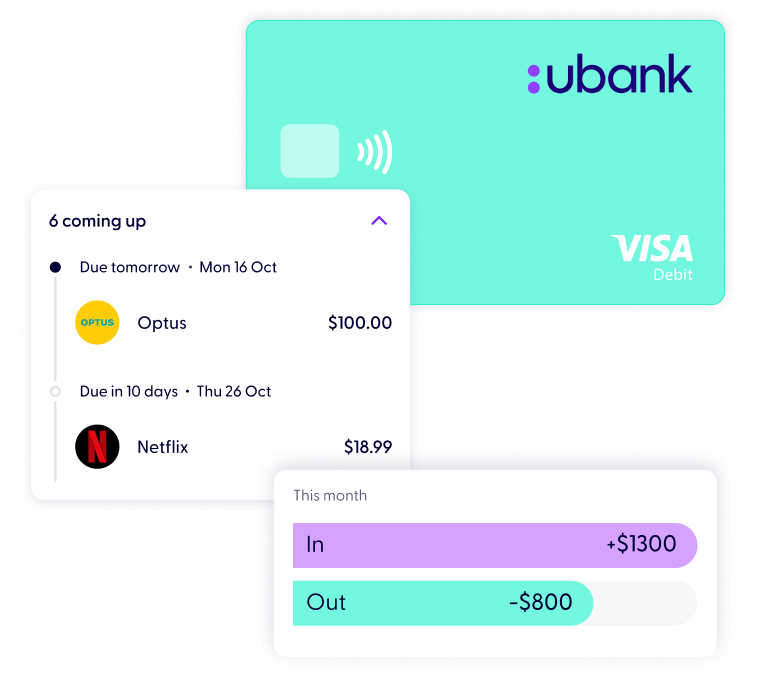
We’re not like other banks – we’re all about getting you ahead. We’ll help you track your spending and upcoming expenses.
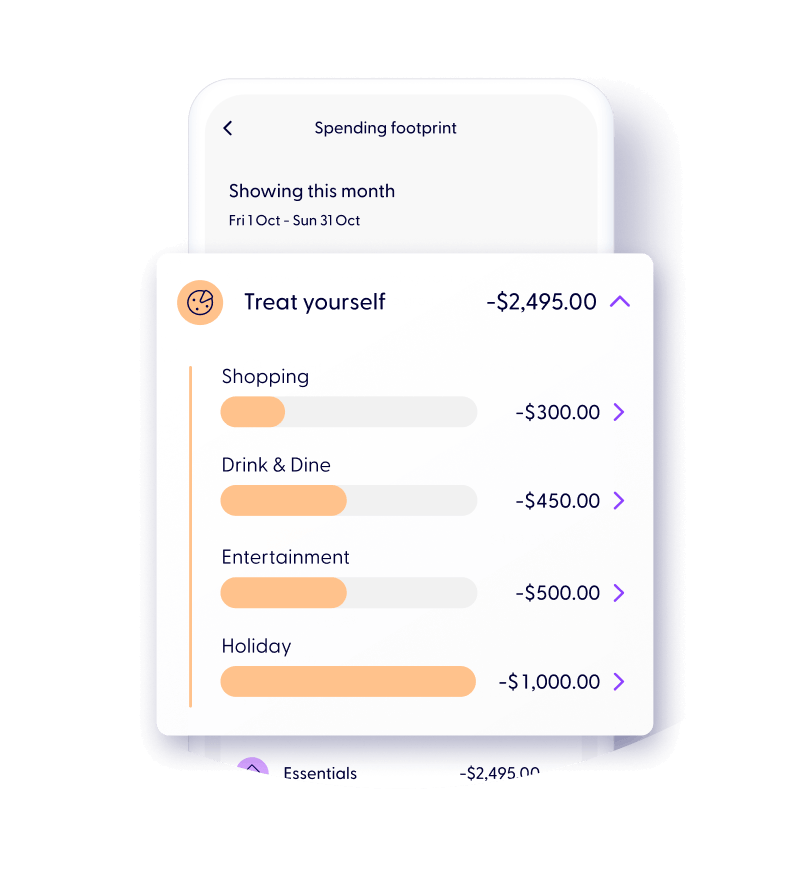
Retrace your spending with Spending Footprint so you always know where your money is going.
We sort your transactions into common spending categories for you.
See how much you’re spending at your favourite stores, food spots, on bills, transport, etc.
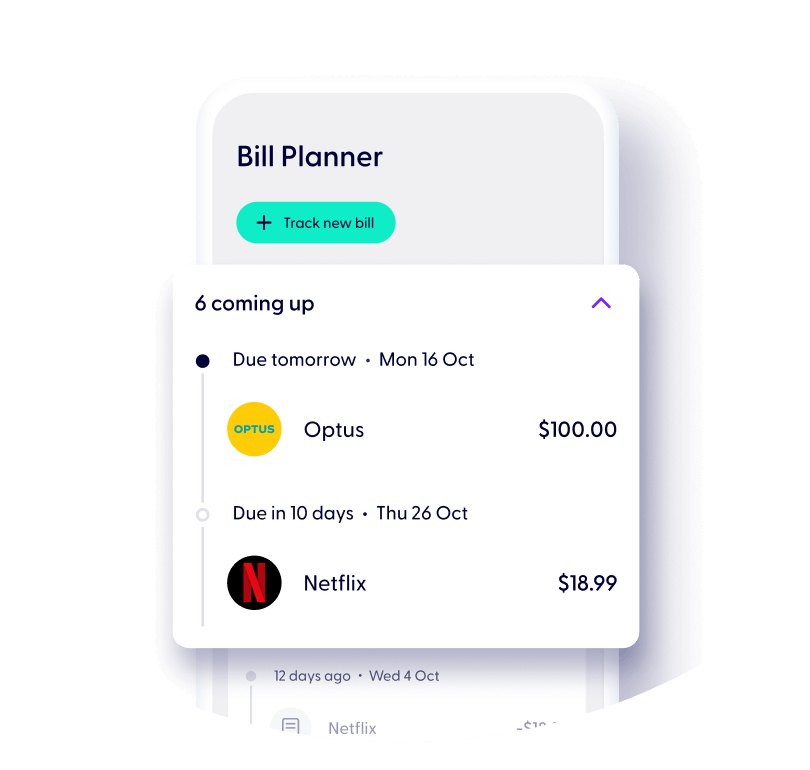
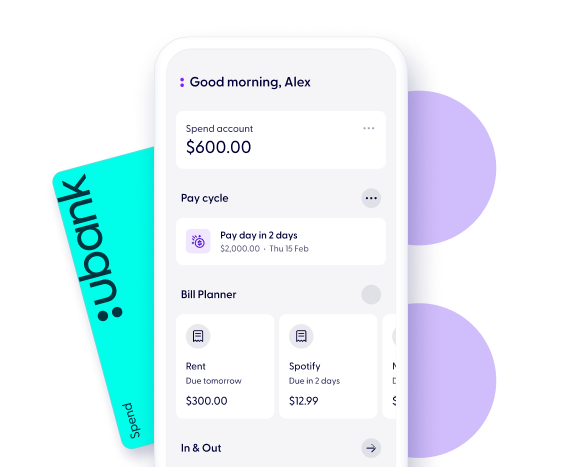
Start tracking your bills to see what you’ve got coming up.
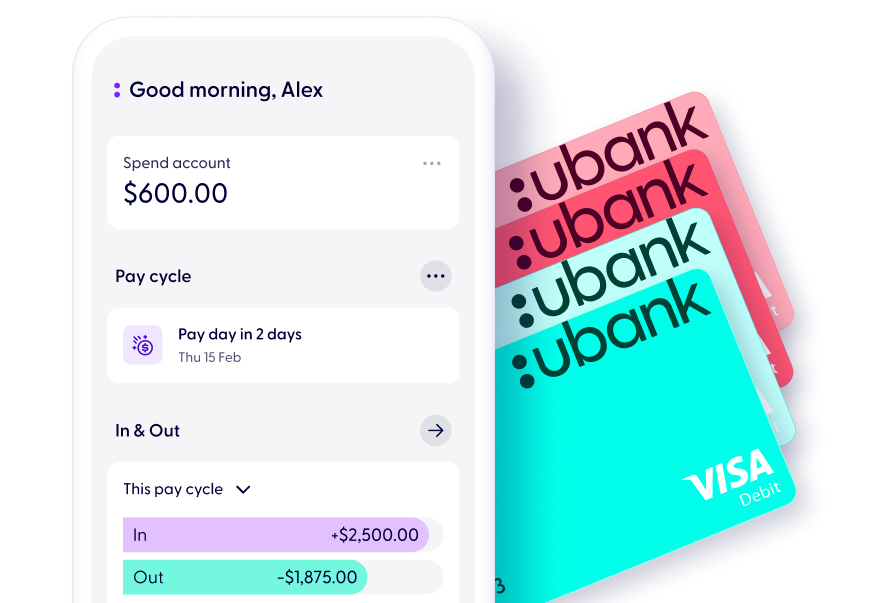
Align the view to your Pay Cycle to view expenses pay to pay.
The magic of the Bill Planner will easily show what you’ve got coming up so you can budget and keep money for the good stuff.
Connect your accounts from over 140 other financial institutions, to see your money in one place. Think of us as your daily money companion.
You can even connect your super and investments to get the whole picture of how your money is moving.
Our Smart Search feature allows you to find transactions across your ubank and connected accounts in a simple search.
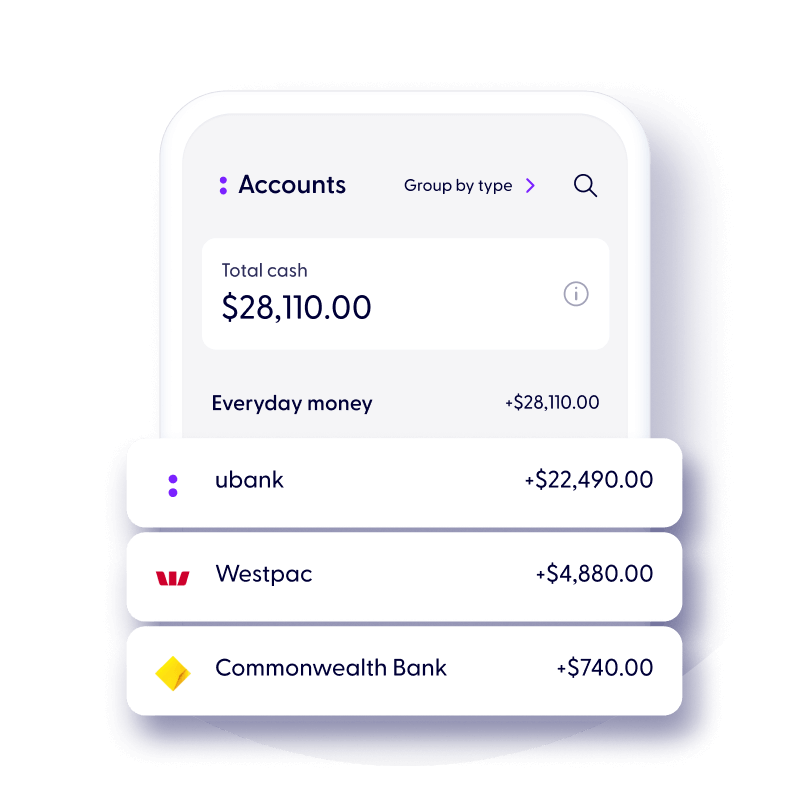
When you join ubank, you’ll get 3 accounts, a Spend, a Bills and a Save account. Save gives you great interest rates, instant access to your savings, both accounts have no fees.
You can start using your Spend, Bills, and Save accounts in minutes.
.svg)


1
Download the ubank app
2
Sign up in 2 mins.
3
Start using your new ubank accounts instantly
Inc.Google Pay, Android, the Google Pay Logo, Google Play and the Google Play logo are trademarks of Google LLC.
Apple, iPhone, Apple Pay and the Apple logo are trademarks of Apple Inc., registered in the U.S and other countries. App Store is a service mark of Apple
To join us, you’ll need to be over 16 years old and an Australian citizen or permanent resident.
When you join us, you’ll get three accounts: a Spend account, a Bills account and a Save account.
Your Spend account lets you transfer money and make purchases using the linked Visa Debit card or your digital wallet for your everyday spending needs.
Your Bills account lets you set aside funds for committed expenses, allowing you to budget within your pay cycle.
Your Save account lets you earn interest on your money. Find out more about earning interest with our Save accounts. You can open an additional nine Save accounts, whether they’re individual or shared, via the app.
.svg)
To open a ubank account, you’ll need an Australian mobile number.
If you’re 18 or over you'll also need a valid Australian driver’s license or passport. To improve your chances of your ID being validated you can also use a Medicare card.
If you’re under 18 you'll need 2 valid forms of ID which can include an Australian driver’s license, passport, birth certificate, or a Medicare card.
We don’t charge any fees. There may be instances where a third party charges a fee e.g. if you use an ATM overseas. For more info, see our Fees and Limits.
You can open 1 individual and 1 shared Spend account.To open additional accounts, head to the “Accounts” tab in the app and select “Add new account” at the bottom of the page.
If you want to pay with your mobile or smartwatch, you can add your Visa Debit card to Apple Pay, Google PayTM, Samsung Pay and Garmin Pay. Compatible devices only.
If you’re using an iPhone or Android device, you can set up Apple Pay or Google Pay instantly from the "Cards" screen in your app before your physical card has even arrived.
Yes we do – we call them Shared accounts! If you and your partner-in-finance are existing customers, you’ll be able to open a Shared Spend or Save account in minutes via the app. Learn more about our Shared accounts.
Read our General Terms and Fees and Limits.
Apple, the Apple logo and iPhone are trademarks of Apple Inc., registered in the U.S. and other countries. App Store is a service mark of Apple Inc.
Samsung and Samsung Pay are trademarks or registered trademarks of Samsung Electronics Co.
Android, Google Pay and Google Play are trademarks of Google Inc.
Garmin, the Garmin logo, and the Garmin delta are trademarks of Garmin Ltd. or its subsidiaries and are registered in one or more countries, including the U.S. Garmin Pay is a trademark of Garmin Ltd. or its subsidiaries.
BPAY® and Osko® are registered trademarks of BPAY Pty Ltd ABN 69 079 137 518.
1
Download the ubank app
2
Sign up in 2 mins.
3
Start using your new ubank accounts instantly
Inc.Google Pay, Android, the Google Pay Logo, Google Play and the Google Play logo are trademarks of Google LLC.
Apple, iPhone, Apple Pay and the Apple logo are trademarks of Apple Inc., registered in the U.S and other countries. App Store is a service mark of Apple


.svg)