


Everyday money

.png)
Home loans




How can we help?


Set up a Shared Spend, Bills or Save account in seconds with your partner-in-finance.

1
Download the ubank app
2
Sign up in 2 mins.
3
Start using your new ubank accounts instantly


Inc.Google Pay, Android, the Google Pay Logo, Google Play and the Google Play logo are trademarks of Google LLC.
Apple, iPhone, Apple Pay and the Apple logo are trademarks of Apple Inc., registered in the U.S and other countries. App Store is a service mark of Apple
Forget transferring between banks to pay each other back

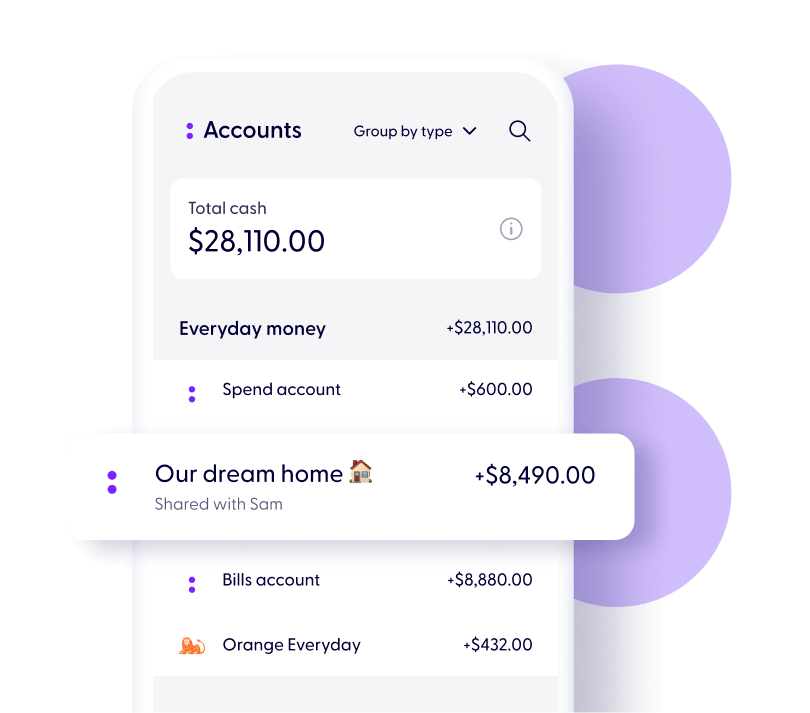
Get a clear view in the app of who spent on what
Know which account you’re using with new Shared cards

It’s as easy as sending an invite to your partner-in-finance
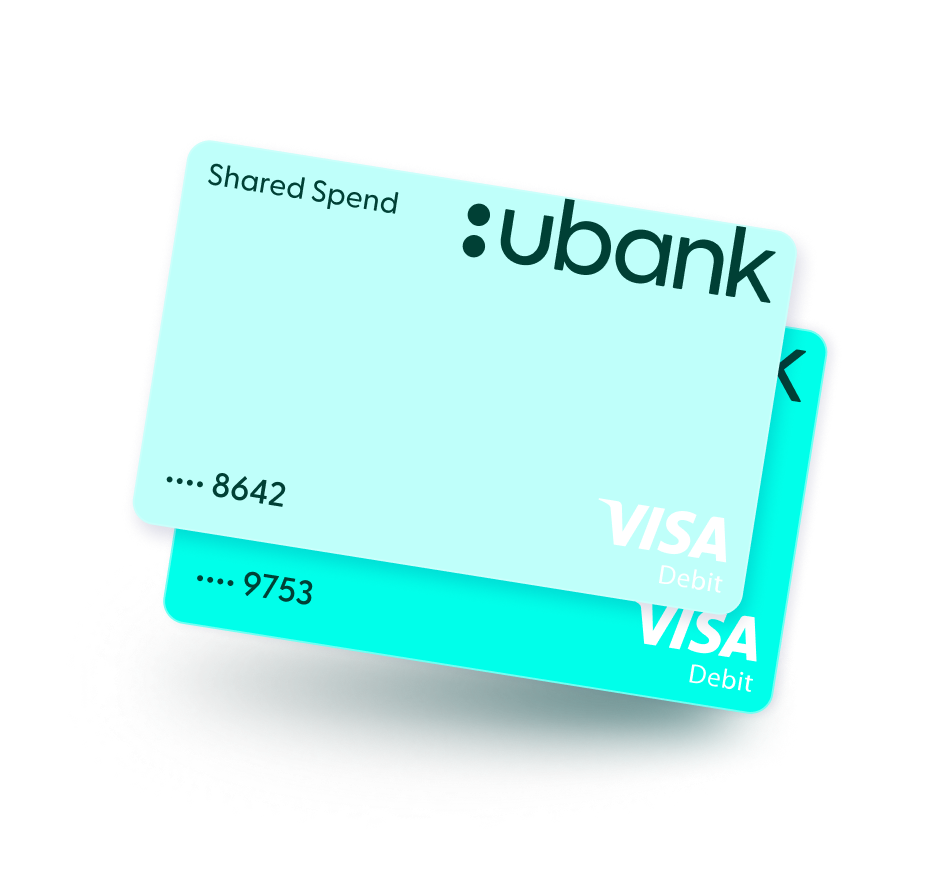
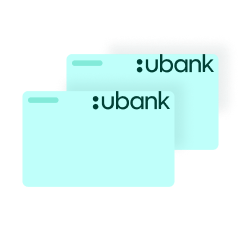
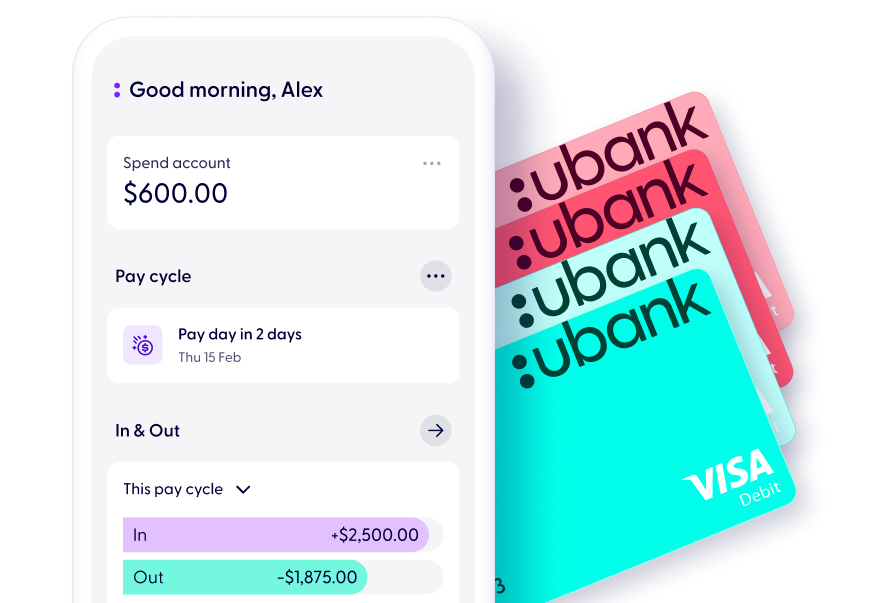
Our Shared accounts have separate cards from individual accounts, so you canquickly tell which account you’re spending from.
Shared Spend accounts come with a sleek light aqua Visa Debit card and a darkeraqua colour with clear labels for your individual Spend.
Shared Bills accounts come with a light coral Visa Debit card and individual Bills cardin a darker coral so you can keep your bills separate.
When you open any Shared ubank account, you’ll still have your own Spend, Save,and Bills accounts. That way you can keep your personal daily expenses or thoselittle indulgences private.
We’re not like the other banks. We’ll help you hit your shared targets, track upcoming expenses and give you the visibility you need.
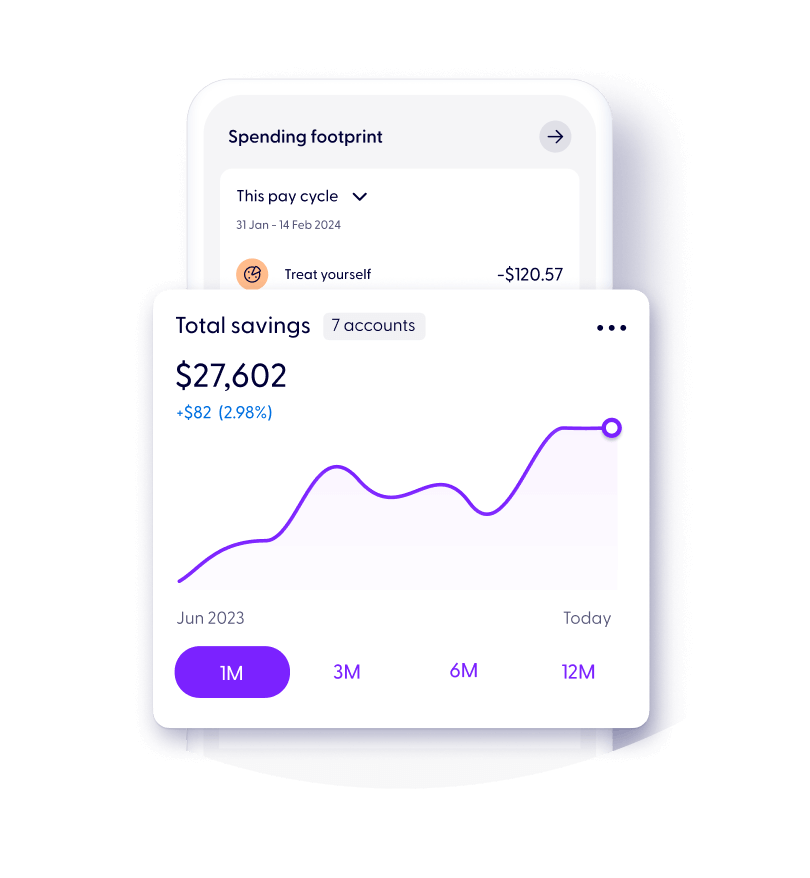
Hit your shared savings goals sooner with bonus interest up to <tier-1>% p.a. on your Shared Spend accounts . To get bonus interest for the month, all you need to do is have a Spend account and deposit at least $500 per month into any of your Spend, Bills, or Save accounts (not including internal transfers).
You can get bonus interest on up to 10 Save accounts on combined savings up to $250K per customer (including Shared accounts).
We calculate interest on your Save balance daily and pay it monthly. Don’t miss out on meeting the criteria to earn bonus interest, otherwise interest won’t be payable.
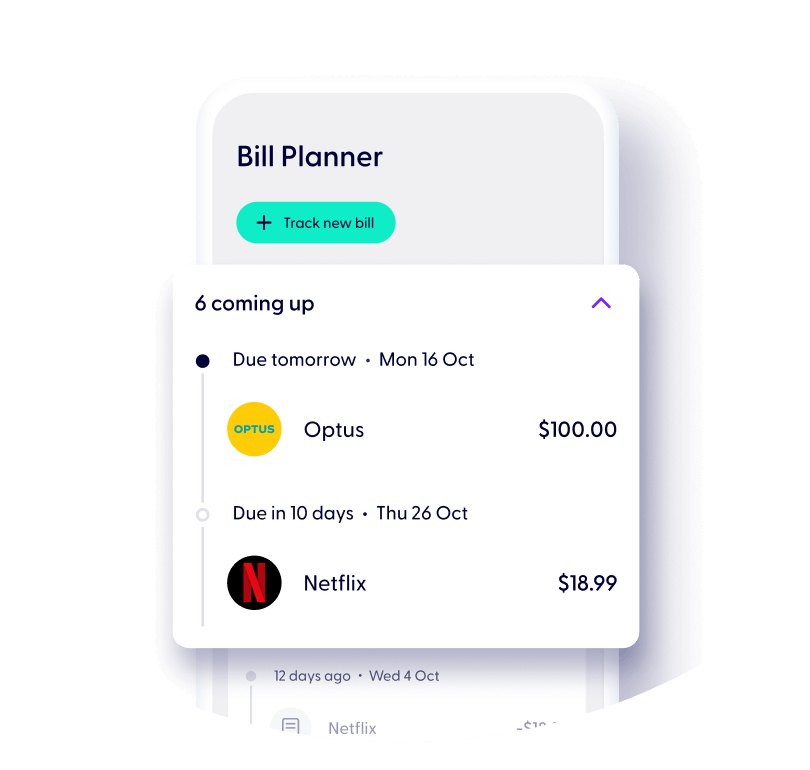
Make bills more chill with a joint account to organise and pay for your shared expenses.
Like an individual Bills account, you’ll both get a digital only Visa Debit card to set up any regular payments and direct debits. Your shared accounts sit along with your other accounts so you can both easily check the balance.
Schedule your payments from your Shared Bills for anything you share like rent, cat food, or child care. Separated from your other shared accounts, it will give you a clearer view of what’s coming out at a glance.
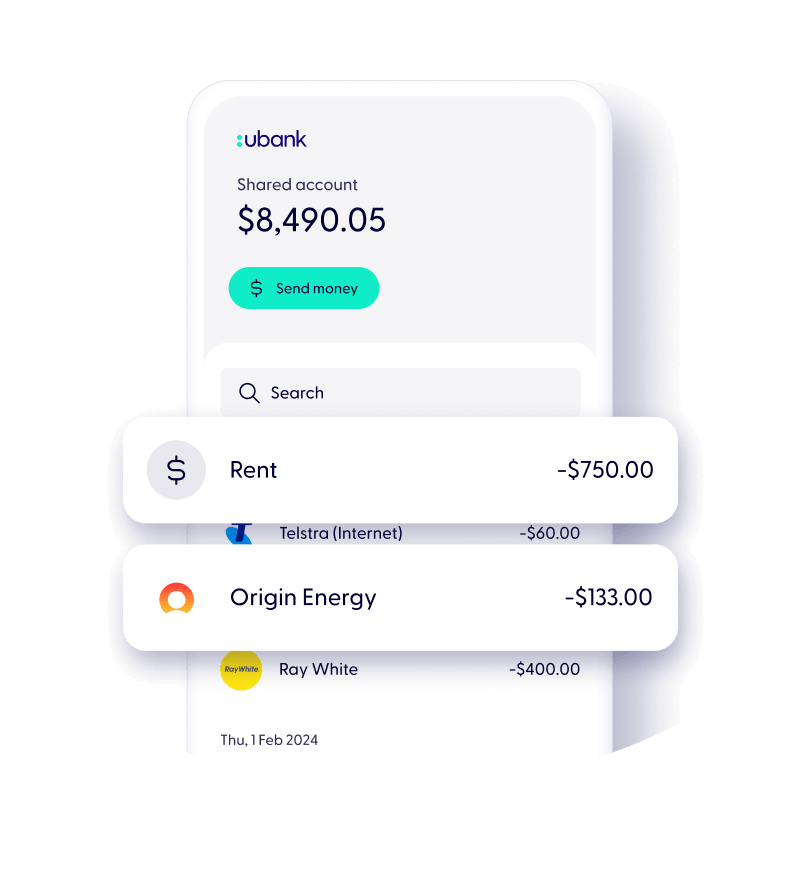
Tired of constantly paying each other back? With a Shared Spend account, you can have one account for all your day to day spending.
But don’t lose track of who got what. With each transaction, we can show you which card was used.
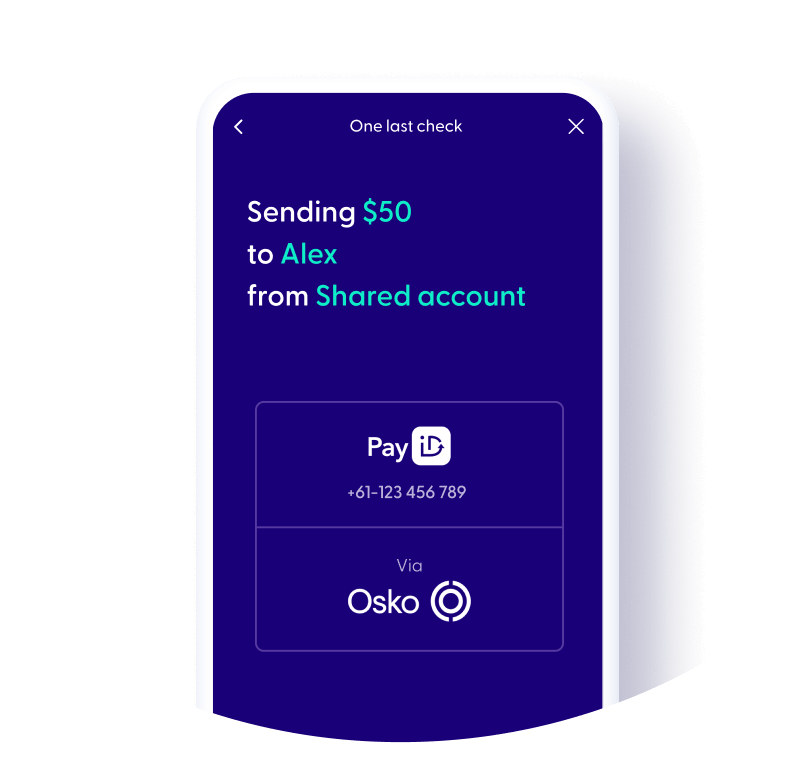
Starting your Shared account takes seconds. It’s as easy as sending an invite link to your partner-in-finance from your app.
Once it’s set up, you can use it straight away by transferring into your shared account via Osko and PayID.
You can even start spending instantly from your Shared Spend account by setting up Apple Pay or Google PayTM, no need to wait for the plastic to arrive.


Get a Shared account in seconds once you have your individual accounts.

Both of you will need to download the ubank app.
Verify your details to open your own individual Spend, Bills and Save accounts.
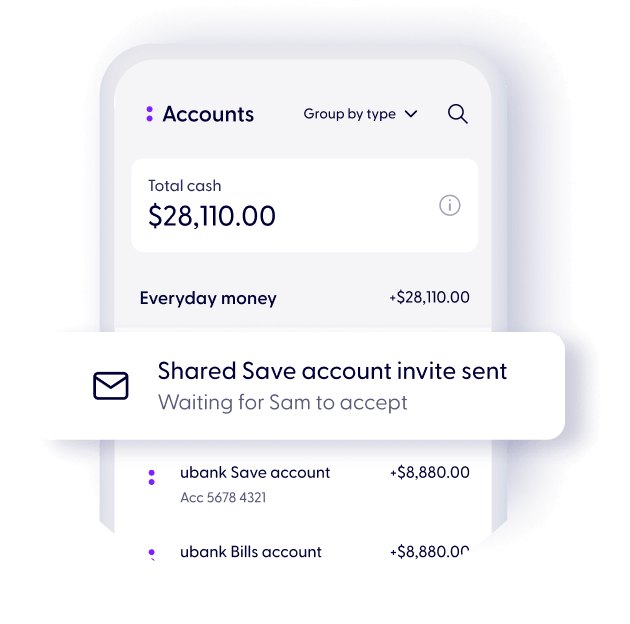
Open a Shared account in the app and invite your partner-in-finance.
Once they accept the invite, you can start enjoying your Shared account.
Head to “Accounts” in the ubank app
Open a Shared account and invite your partner-in-finance
Once they accept the invite, you can start enjoying your Shared account.
1
Download the ubank app
2
Sign up in 2 mins.
3
Start using your new ubank accounts instantly
Inc.Google Pay, Android, the Google Pay Logo, Google Play and the Google Play logo are trademarks of Google LLC.
Apple, iPhone, Apple Pay and the Apple logo are trademarks of Apple Inc., registered in the U.S and other countries. App Store is a service mark of Apple
To join us, you’ll need to be over 16 years old and an Australian citizen or permanent resident.
.svg)
Read our General Terms and Fees and Limits.
Apple, the Apple logo and iPhone are trademarks of Apple Inc., registered in the U.S. and other countries. App Store is a service mark of Apple Inc.
Samsung and Samsung Pay are trademarks or registered trademarks of Samsung Electronics Co.
Android, Google Pay and Google Play are trademarks of Google Inc.
Garmin, the Garmin logo, and the Garmin delta are trademarks of Garmin Ltd. or its subsidiaries and are registered in one or more countries, including the U.S. Garmin Pay is a trademark of Garmin Ltd. or its subsidiaries.
BPAY® and Osko® are registered trademarks of BPAY Pty Ltd ABN 69 079 137 518.
1
Download the ubank app
2
Sign up in 2 mins.
3
Start using your new ubank accounts instantly
Inc.Google Pay, Android, the Google Pay Logo, Google Play and the Google Play logo are trademarks of Google LLC.
Apple, iPhone, Apple Pay and the Apple logo are trademarks of Apple Inc., registered in the U.S and other countries. App Store is a service mark of Apple


.svg)
