Everyday money

.png)
Home loans




How can we help?


Get a Bills account with your Spend and Save when you sign up. Let’s make bills more chill.

1
Download the ubank app
2
Sign up in 2 mins.
3
Start using your new ubank accounts instantly


Inc.Google Pay, Android, the Google Pay Logo, Google Play and the Google Play logo are trademarks of Google LLC.
Apple, iPhone, Apple Pay and the Apple logo are trademarks of Apple Inc., registered in the U.S and other countries. App Store is a service mark of Apple
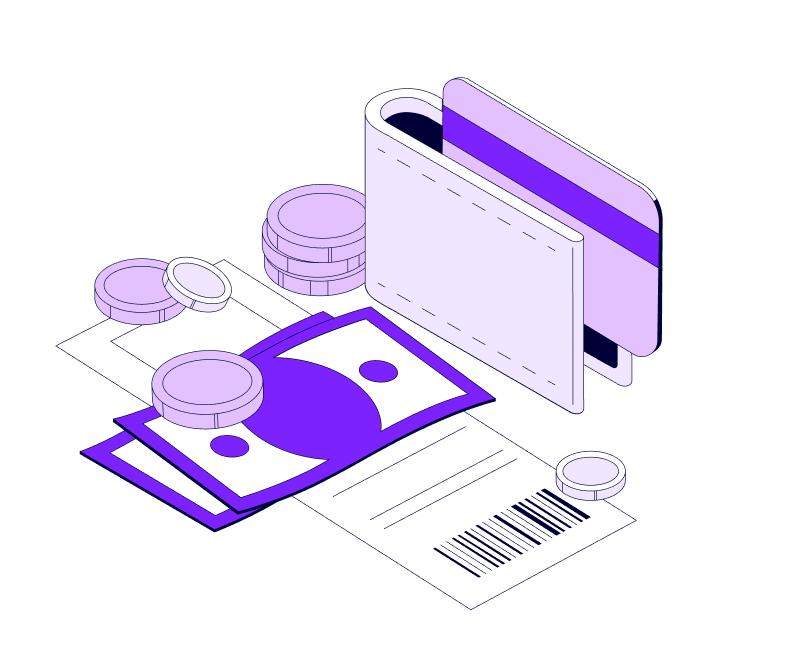
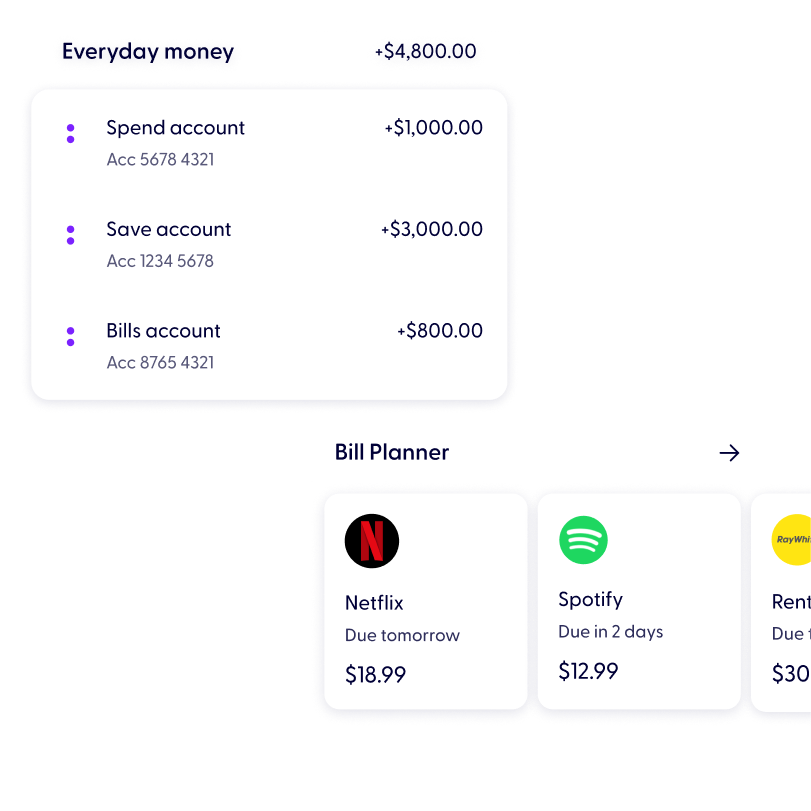
The Bills account is a separate place alongside your Spend and Save accounts. You can set aside money for bills and then clearly see what you can confidently spend or save, making every day a little win for the future.
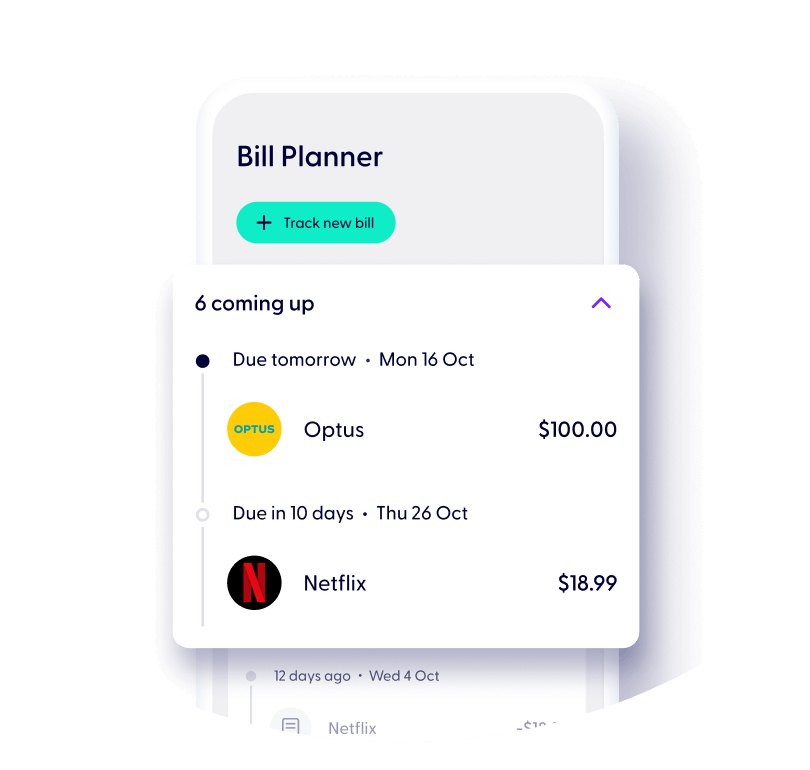
With the magic of the Bill Planner helping you to sort out what’s coming up and how much to set aside, paying your bills has never felt so chill.
No monthly fees on your Bills account
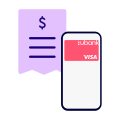
You’ll get a digital Visa Debit card for paying bills to save in your wallet
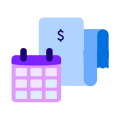
With the help of the Bill Planner to track and add up your bills
Get on top of your bills to get better visibility of your money.

Start tracking bills to add up what you’ve committed to paying each month or pay cycle.
Organise what’s coming up and plan your money. Keep cash for the fun stuff once all the bills are paid.
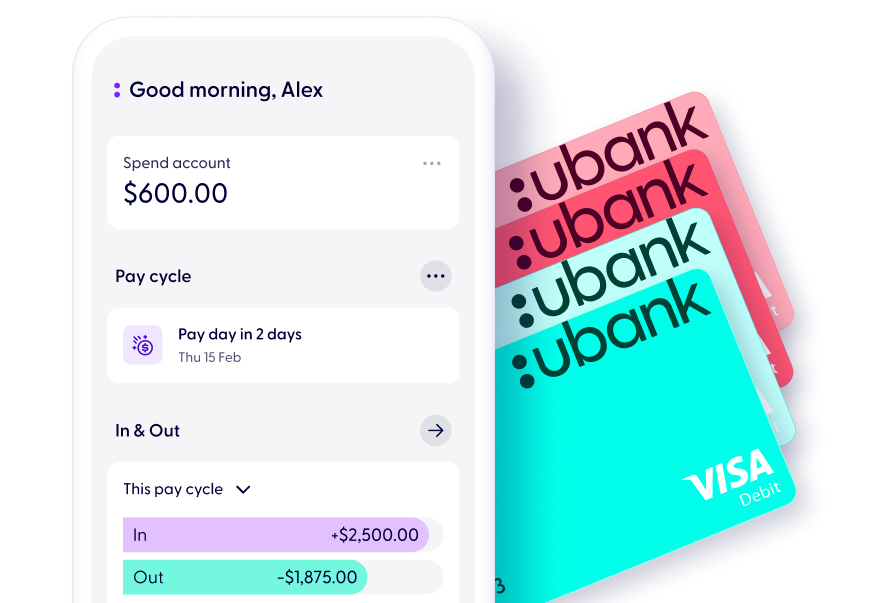
Set up your pay cycle to plan your money around when you get paid. With our reminders you can make the pay day feeling last!
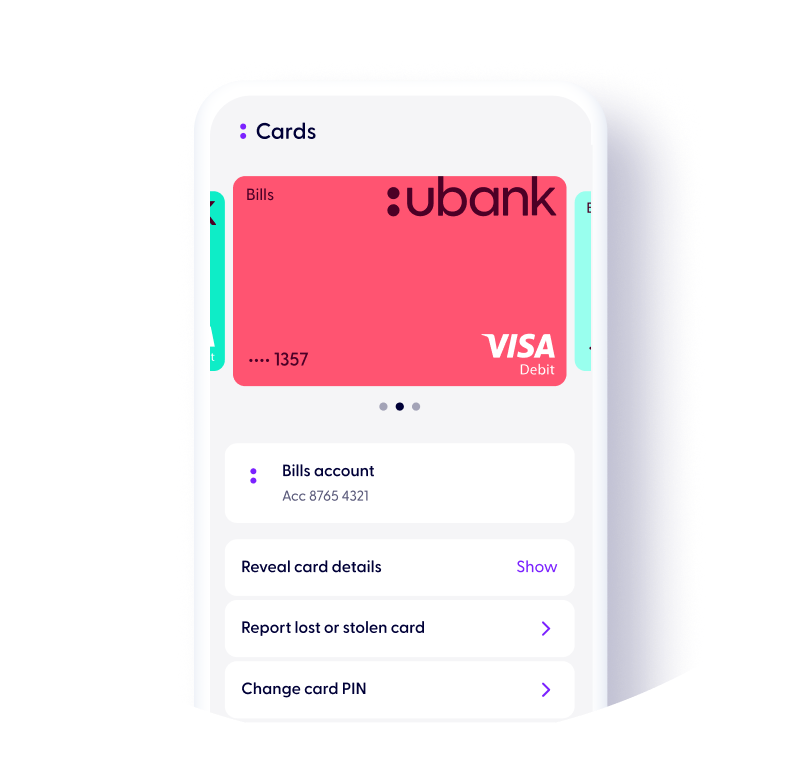
Easily tell your Spend Visa Debit card from your Bills card. Save to your digital wallet for handy use.
Use your digital Bills Visa Debit card to set up regular payments for bills, like your phone or streaming service.
Securely access your full card details in the app at any time.
With the card details saved in your wallet you can pay one off bills through your mobile device.


You can start using your Spend, Bills, and Save accounts in minutes.
.svg)


1
Download the ubank app
2
Sign up in 2 mins.
3
Start using your new ubank accounts instantly
Inc.Google Pay, Android, the Google Pay Logo, Google Play and the Google Play logo are trademarks of Google LLC.
Apple, iPhone, Apple Pay and the Apple logo are trademarks of Apple Inc., registered in the U.S and other countries. App Store is a service mark of Apple
To join us, you’ll need to be over 16 years old and an Australian citizen or permanent resident.
A transaction account designed to help you manage your bills more easily. It'll allow you to:
.svg)
When you sign up with ubank after February 22nd, 2024, you’ll get three accounts – a Spend account, a Bills account and a Save account. You can only open 1 individual Bills account. We don’t currently offer shared Bills accounts.
If you’re an existing customer, to open your Bills account, head to the “Accounts” tab in the app and select “Add new account” at the bottom of the page.
To open a ubank account, you’ll need an Australian mobile number.
If you’re 18 or over you'll also need a valid Australian driver’s license or passport. To improve your chances of your ID being validated you can also use a Medicare card.
If you’re under 18 you'll need 2 valid forms of ID which can include an Australian driver’s license, passport, birth certificate, or a Medicare card.
You can open 1 individual and 1 shared Spend account.
To open additional accounts, head to the “Accounts” tab in the app and select “Add new account” at the bottom of the page.
To add an extra individual Bills and Save accounts, or a Shared Spend and Save, go to 'Accounts' in the app and select 'Add new account'.
Read our General Terms and Fees and Limits.
Apple, the Apple logo and iPhone are trademarks of Apple Inc., registered in the U.S. and other countries. App Store is a service mark of Apple Inc.
Samsung and Samsung Pay are trademarks or registered trademarks of Samsung Electronics Co.
Android, Google Pay and Google Play are trademarks of Google Inc.
Garmin, the Garmin logo, and the Garmin delta are trademarks of Garmin Ltd. or its subsidiaries and are registered in one or more countries, including the U.S. Garmin Pay is a trademark of Garmin Ltd. or its subsidiaries.
BPAY® and Osko® are registered trademarks of BPAY Pty Ltd ABN 69 079 137 518.
1
Download the ubank app
2
Sign up in 2 mins.
3
Start using your new ubank accounts instantly
Inc.Google Pay, Android, the Google Pay Logo, Google Play and the Google Play logo are trademarks of Google LLC.
Apple, iPhone, Apple Pay and the Apple logo are trademarks of Apple Inc., registered in the U.S and other countries. App Store is a service mark of Apple


.svg)